Here’s Two Ways to Take Fireworks Photos on Your Phone
Disclosure: Some links may be affiliate links. This means that I may earn a small commission if you decide to buy (at no additional cost to you)
Last Updated on July 23, 2025 by Erin Donahue
Fireworks are beautiful in person but notoriously difficult to capture on a smartphone. If you’ve ever tried and ended up with a blurry photo, you’re not alone. The good news is your phone has features that can capture them, if you know how to use them. I’ve also written about how to shoot fireworks with a camera, but if you’re sticking with your phone, you’re in the right place!
In this guide, you’ll learn exactly how to photograph fireworks on your phone using Live Photos and Night Mode (or Long Exposure on Android). You don’t need a tripod or fancy equipment, just the right settings, a steady hand, and a bit of timing. Let’s dive into these two methods that will instantly improve your mobile fireworks photography!
Method 1: Using Live Photos to Capture Fireworks
What is Live Photo mode?
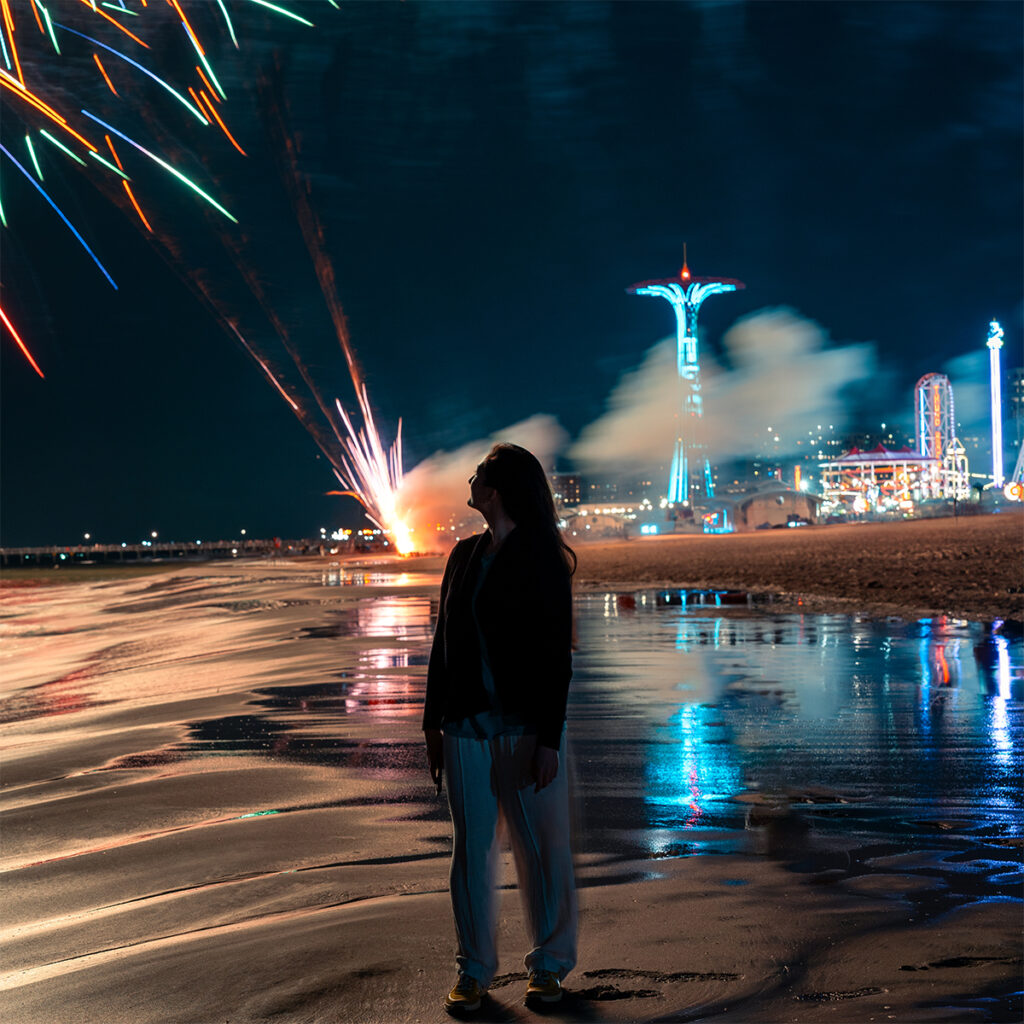
Live Photo is a native iPhone feature that captures 1.5 seconds before and after you take a picture. It’s been around for years, but most people don’t realize how powerful it can be.
How to Use Live Photos for Fireworks:
- Open your iPhone’s native camera and ensure Live Photo is turned on.
- Snap the fireworks at the right moment.
- Go to the Photos app, tap the Live label in the top left corner, and switch it to Long Exposure.
This creates a blurred trail effect similar to traditional long exposure photography. However, fireworks don’t always blend well this way. In my experience, the light trails look muddy, so let’s try the next technique.
Method 2: How to Use Night Mode or Long Exposure on a Phone
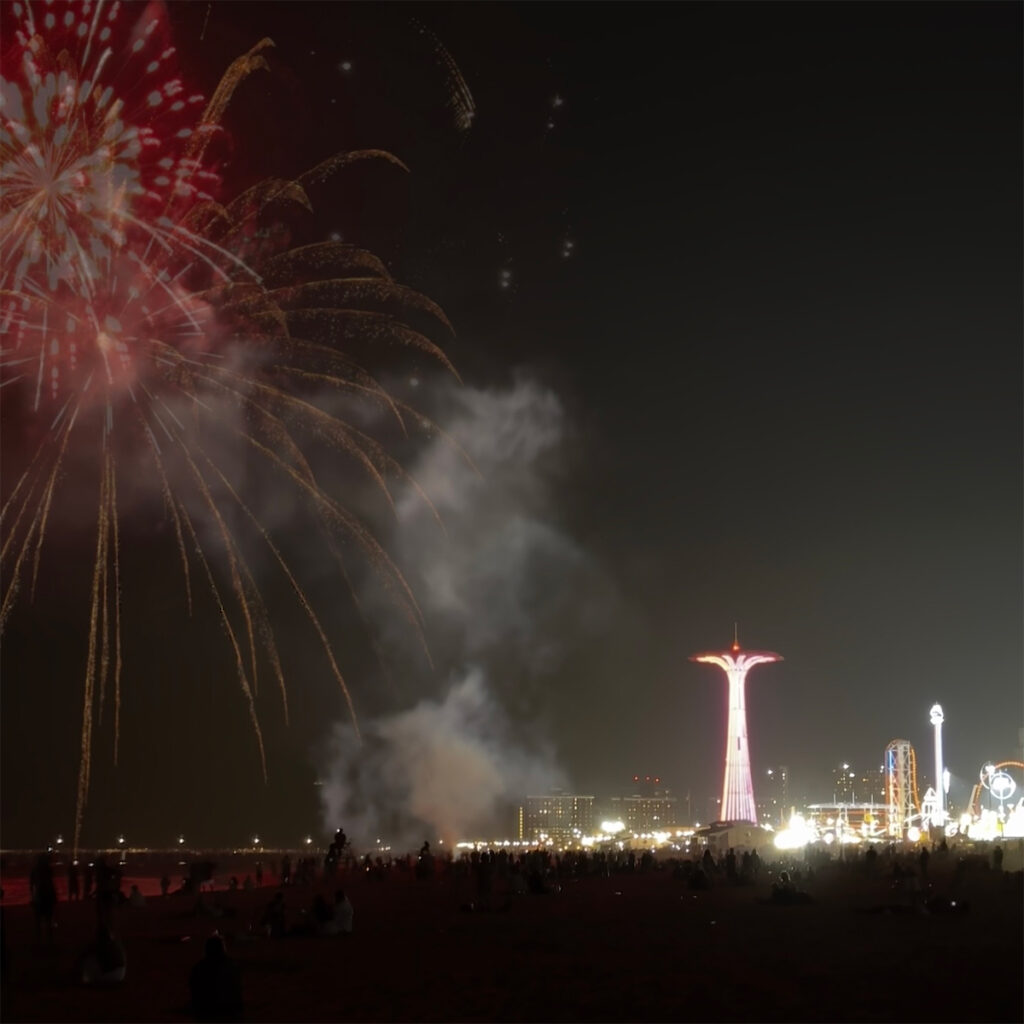
Night Mode (on iPhones) and Long Exposure (on Androids) offer a more consistent way to photograph fireworks, or other low-light subjects such as the Northern Lights. You don’t need a tripod, but hold your phone as still as possible to avoid blur.
How to Take Fireworks Photos in Night Mode:
- Open your camera app and switch to Night Mode.
- Tap the moon icon to reveal a slider.
- Set the exposure time between 10–30 seconds, depending on how dark your scene is and how dramatic you want the trails.
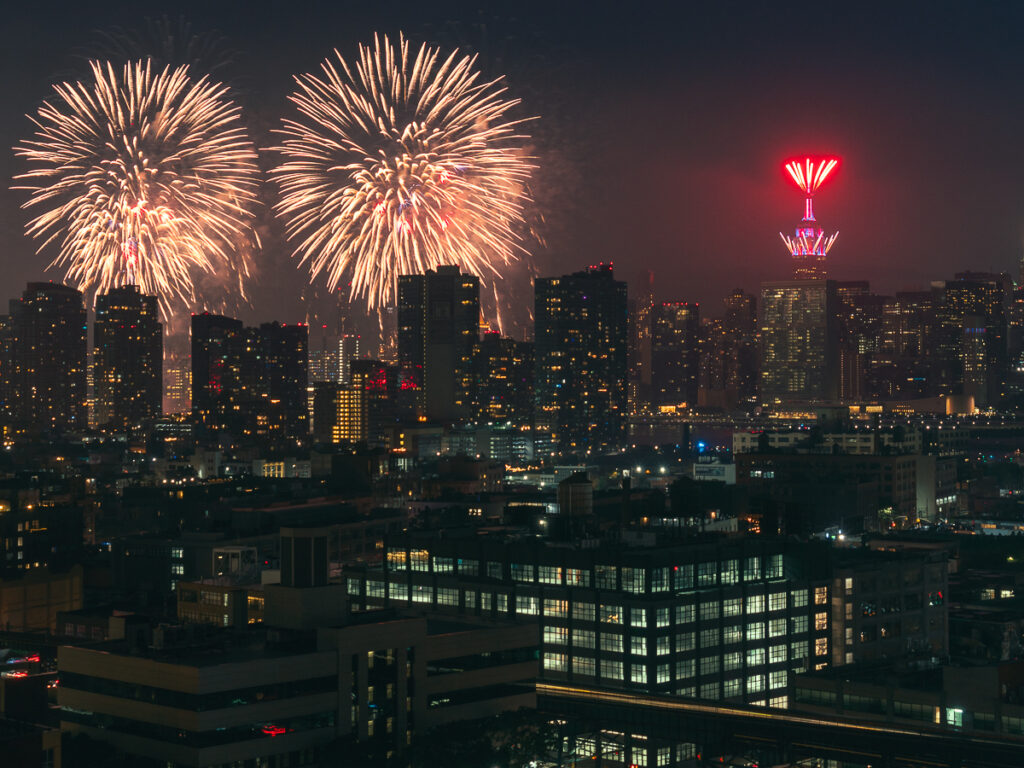
The result should be a clean, dramatic photo of fireworks, complete with light trails, all with just your phone. Adding foreground elements like buildings, people, or trees can also give your shot scale and atmosphere.
Frequently Asked Questions
Q: Can I take fireworks photos on my phone without a tripod?
A: Yes, especially when using Night Mode or Live Photos, modern phones are designed to compensate for slight movement. Just stay as still as you can while the photo is being taken.
Q: What’s the best phone setting for fireworks photography?
A: Use Night Mode on iPhone (or Long Exposure on Android). Adjust the exposure time manually if possible, ideally between 10–30 seconds.
Q: Should I use flash for fireworks photos?
A: No. Flash won’t help with fireworks and may actually ruin the shot by overexposing nearby elements. Stick to manual exposure and focus on framing.
You Don’t Need Fancy Gear to Shoot Fireworks
Your smartphone already has the tools to take impressive fireworks photos, you just need to use them right. Depending on what phone you use, experiment with Live Photos and Night Mode/Long Exposure, and remember to stay patient. With a bit of practice, you’ll capture images that look like they came from a camera. No more blurry bursts or disappointing snapshots. This year, you’ll walk away from the show with jaw-dropping fireworks shots right from your pocket!
Watch on the Tutorial
Leave a Reply
is the creative studio of Erin Donahue, offering photography, videography, and content creation services for brands, hotels, tourism boards, and publications.
Based in New York City, but available globally, this multi-disciplinary digital creative left a career in the hedge fund space to pursue her passion as a travel and brand photographer, creating imagery that resonates with audiences. She approaches every project with a focus on storytelling, producing visuals that engage and inspire.
Her work has been commissioned by brands like Sony, Apple, and Google, and the content she has created has reached millions across social media.
To keep up to date with everything she shares, follow along on social media and read up on what camera gear she uses to capture the shot.
Niredonahue®