Disclosure: Some links may be affiliate links. This means that I may earn a small commission if you decide to buy (at no additional cost to you)
Last Updated on March 9, 2025 by Erin Donahue
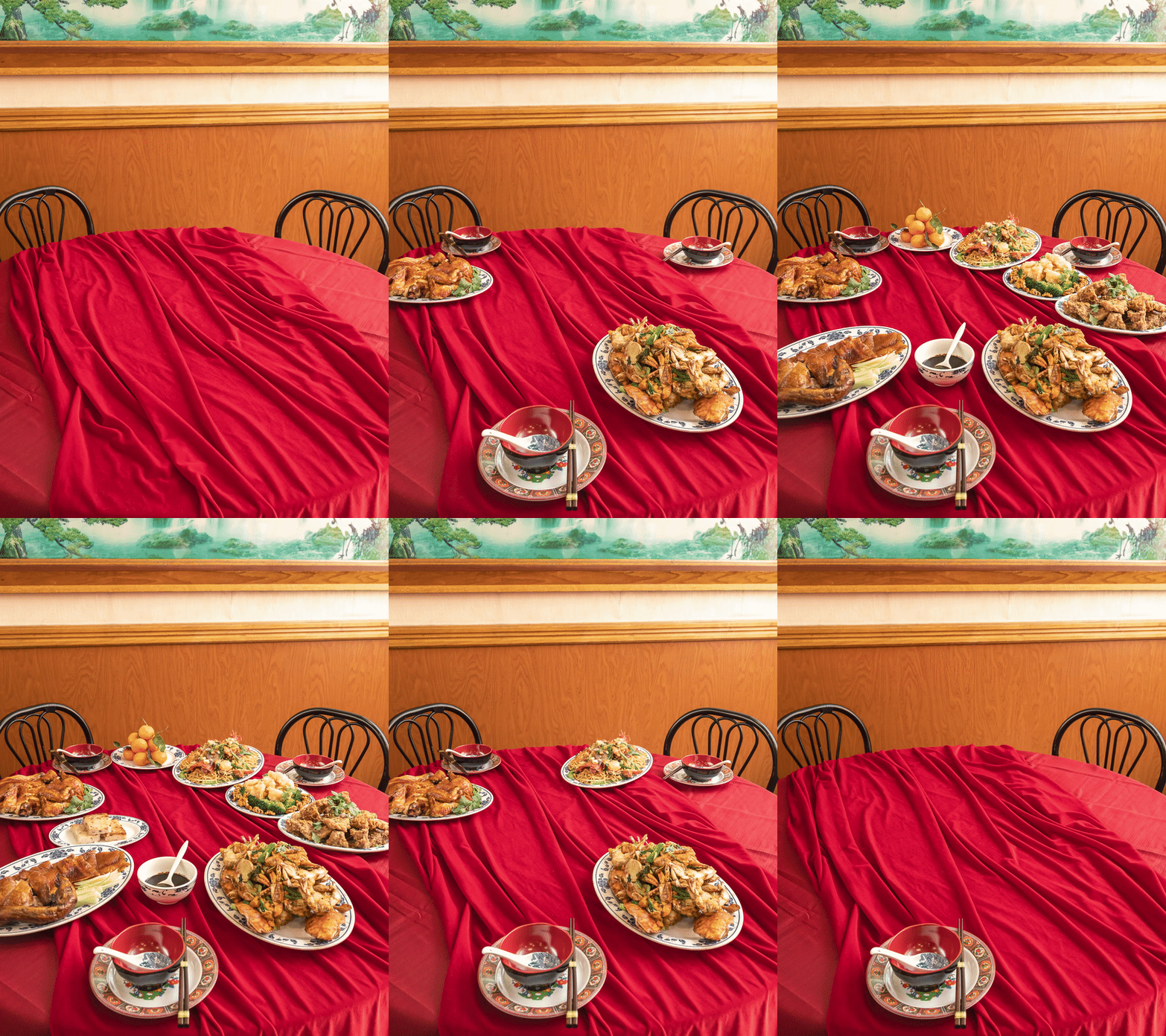
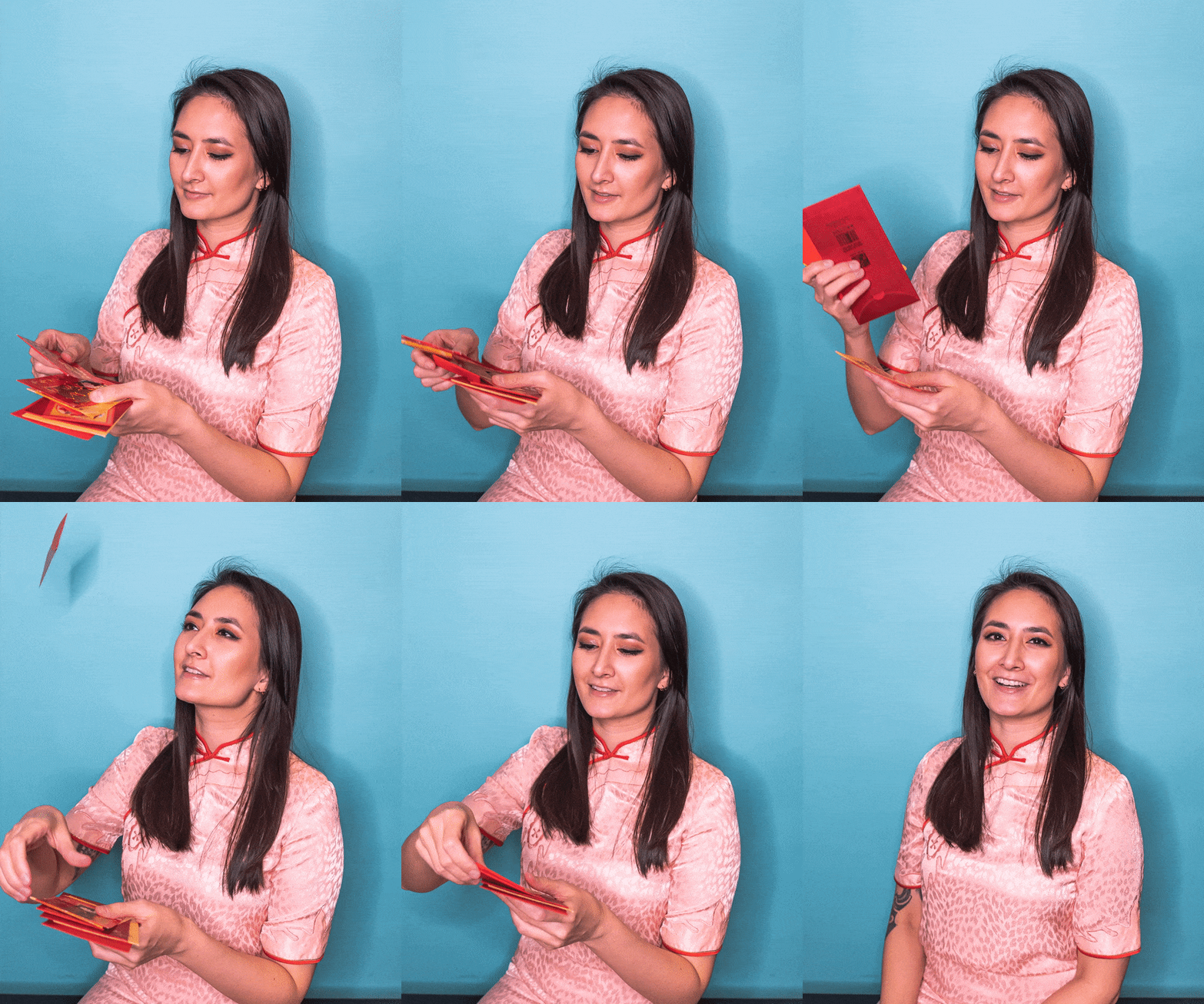
Happy New Year! Want to level up your photography? Animating any still photo with a stop motion is the best way to give it dimension! For Lunar New Year, I partnered up with fellow AAPI businesses for a special photoshoot concept and obviously had to include stop motion food photography.
I’ve made stop motions a part of my photography services because I know this helps with clients’ branding, and having this skill set helps me stand out from other photographers. Stop motions engage the audience and really push creativity during production! They’re fun to make, but the main downside is the files can take up a lot of space if you’re shooting in RAW (which I do, and you should too).
What is a Stop Motion?

Believe it or not, a stop motion is not actually a video! It’s an illusion of one, but it’s made up of multiple still images and combined into a sequence through editing software. The technique is to repeatedly stop and re-start the camera by taking a new picture after moving something in the scene. Think of it as a modern-day digital flipbook!
Another way to look at it is, stop motions are similar to time-lapses, but a bit more interactive.
How to Shoot a Stop Motion
Setting up to photograph food stop motion (or any stop motion) can feel overwhelming at first, but it’s actually not that hard. These are what’s typically needed for stop motion photography.
- Camera: using either an actual camera or a phone is fine
- Tripod: it’s imperative that the camera doesn’t move at all during the segment. If it does then the frame will no longer be the same for every image. Be prepared to do a few takes – something always gets messed up!
- Tether cable or shutter release remote: coinciding with the above point, make sure not to touch the camera. At the bare minimum, use the camera’s built in delayed timer.
- Continuous light source: lighting also plays a critical part. You can use continuous, or a strobe light, as long as the output remains the same throughout the photoshoot. I use a Godox FV150 in my home studio because it’s a hybrid of both, but I’ll bring my Godox TT685S Flash with me when traveling since it’s portable. Be sure to understand how to set up flash in manual mode rather than use TTL.
- Sticky tack is your best friend to keep certain objects from moving or falling over
- Photo and video editing software: if you got everything right in-camera while you were shooting then batch editing in Adobe Lightroom will be a breeze. After exporting, there are a myriad of options to stitch the single images together. It really just comes down to preference. Since a stop motion is a video at its core, putting it together in Adobe Premier Pro would be the quickest. Video files (MP4) are also what can be uploaded to social media platforms. There’s also exporting it as a GIF file for websites via Photoshop, or a simply gif maker website.
Stop Motion Workflow
Getting everything right in camera is crucial because of the fact there are so many files to deal with. The more precise and clean everything is in-camera, the lens to fix in post-production. I’m not a purist photographer about many things, but when it comes to stop-motions I like to keep the editing strictly within Lightroom.
- Set the stage
- Shoot each progessive image
- Batch edit your photos in Lightroom. You only need to edit one picture, then copy and paste the edited settings onto the rest of the sequence. Another option is to highlight the whole sequence, make sure “auto-sync” is turned on, and then edit one. The auto-sync will copy the edits onto the rest of the images. When exporting, under the “file naming” section, rename them to “custom name – sequence”. This will keep everything in order for when stitching together in Premiere Pro. The last thing you want is one picture out of order and making the whole stop motion look wrong.
- Import the sequence into Premiere Pro. When importing the images you can either drag them in, or open from the ribbon. Be sure to check off “image sequence” if you import from “file” as it will merge all the photos into one.
- Export the final file and flex your new animation online!
Once you get the hang of putting together stop motions it becomes second nature and can be done within a short period of time.
Make a Stop Motion With Your Phone
Making a stop motion doesn’t need to be complicated. You can even make one directly on your phone! If you want to create stop motion food photography quickly, these free stop motion apps are good starting points to create and stitch stills together quickly (did I mention they’re free.99). These apps are video apps, but photos can be loaded into them as well. All you need to do is keep a consistent time across all the photos so that the sequence flows properly. Watch the easiest tutorial above to walk you through how to put one together.
Free Apps:
- CapCut
- InShot
- Adobe Rush
Too Complicated? Hire a Professional
If you’ve read all of this and your conclusion is making a stop motion is too much of a hassle, then hire a professional to do it (me!) Take a look at some of my past stop motion animations (and some cinemagraphs too) and get in contact with me.
Lunar New Year Food Photography Collaboration With
- Photography & Editing – Erin Donahue
- Event Planner & Coordinator – Jamie, Blissfully So Events
- Creative Direction/Styling & Menu Design – Cindy, The Hustling Heart
- Food & Catering – 218 Restaurant
- Calligraphy Signage – Pamela, Sakura Inked
- Chinese Menu Calligraphy – Suzii Chan
______________________________________________________________________________________________________________________________
Pin this post!


I seriously love your website.. Very nice
colors & theme. Did you develop this web site yourself?
Please reply back as I’m hoping to create my own personal
site and would love to learn where you got this from or what the theme is named.
Kudos!