Disclosure: Some links may be affiliate links. This means that I may earn a small commission if you decide to buy (at no additional cost to you)
Last Updated on July 31, 2025 by Erin Donahue
Photographers love control. Clean frames. Isolated subjects. Perfect moments. But what if the chaos in your scene, with people and traffic, could be your most creative asset? Lately, I’ve been leaning into using slow shutter effect when I capture both photo and video because it makes a scene more dynamic.
If you’ve ever confused slow motion with the slow shutter effect, or wondered why your motion blur doesn’t look intentional, this post will clear it up. I’ll dive into how the slow shutter effect works for both photo and video, and how you can use it to elevate your images. Understanding the relationship between shutter speed and motion can change everything.
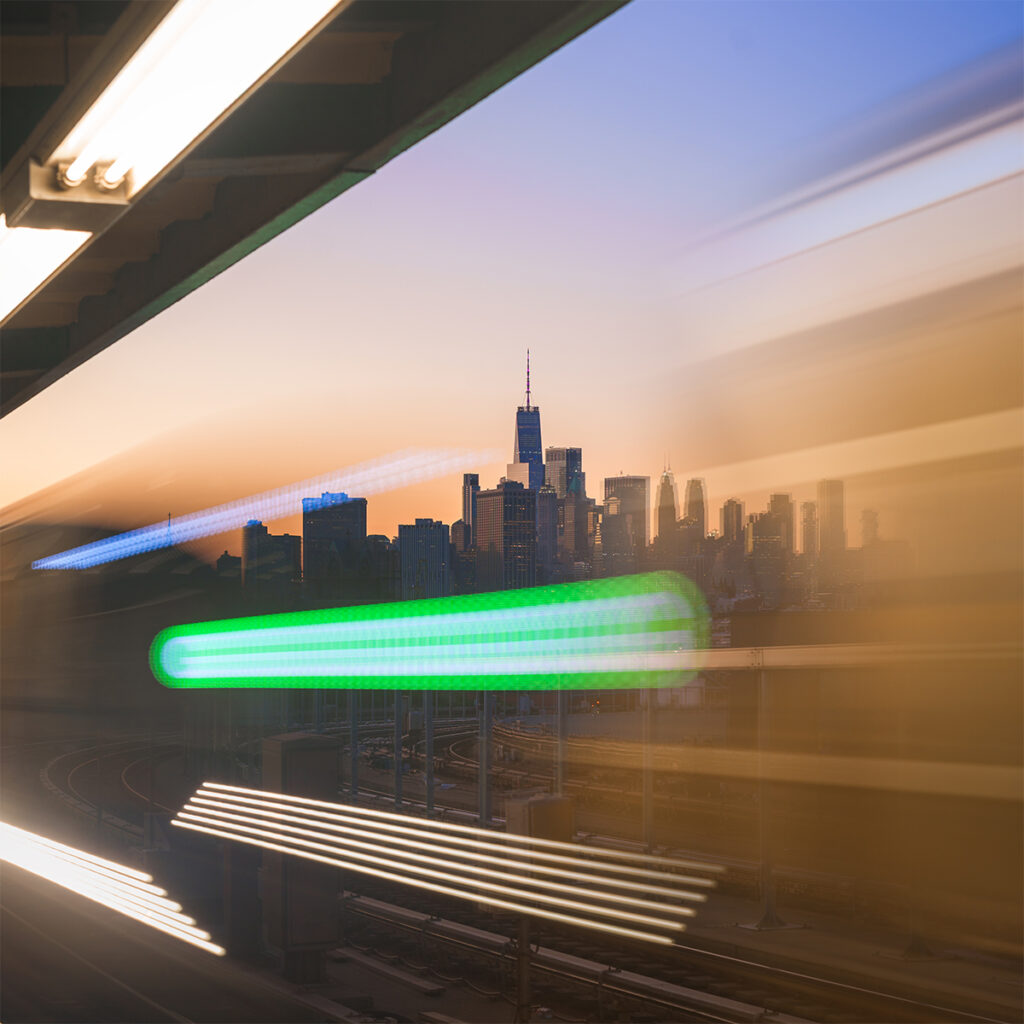
What Is the Difference Between Slow Motion and Slow Shutter Effect?
Slow motion and the slow shutter effect both manipulate time, but they do it in very different ways. Slow motion is a video editing effect. You shoot at a high frame rate, like 60, 120, or 240 fps, and then play it back at a standard frame rate like 24 or 30 fps. This stretches time and makes motion appear slower and smoother.
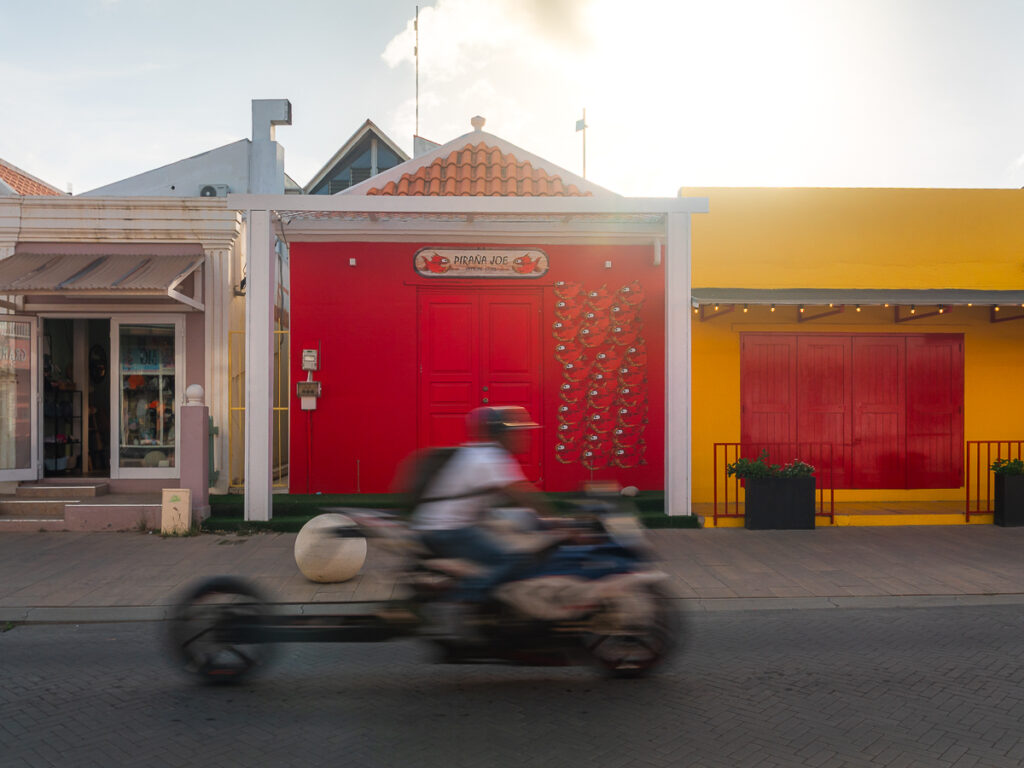
Slow shutter effect, on the other hand, happens in-camera. You lower your shutter speed, say 1/10 sec or longer, while the subject or scene is in motion. This creates intentional blur, compressing time into a single frame. It’s essentially a derivative style of long exposure photography.
How Shutter Speed Controls Motion (Photo and Video)
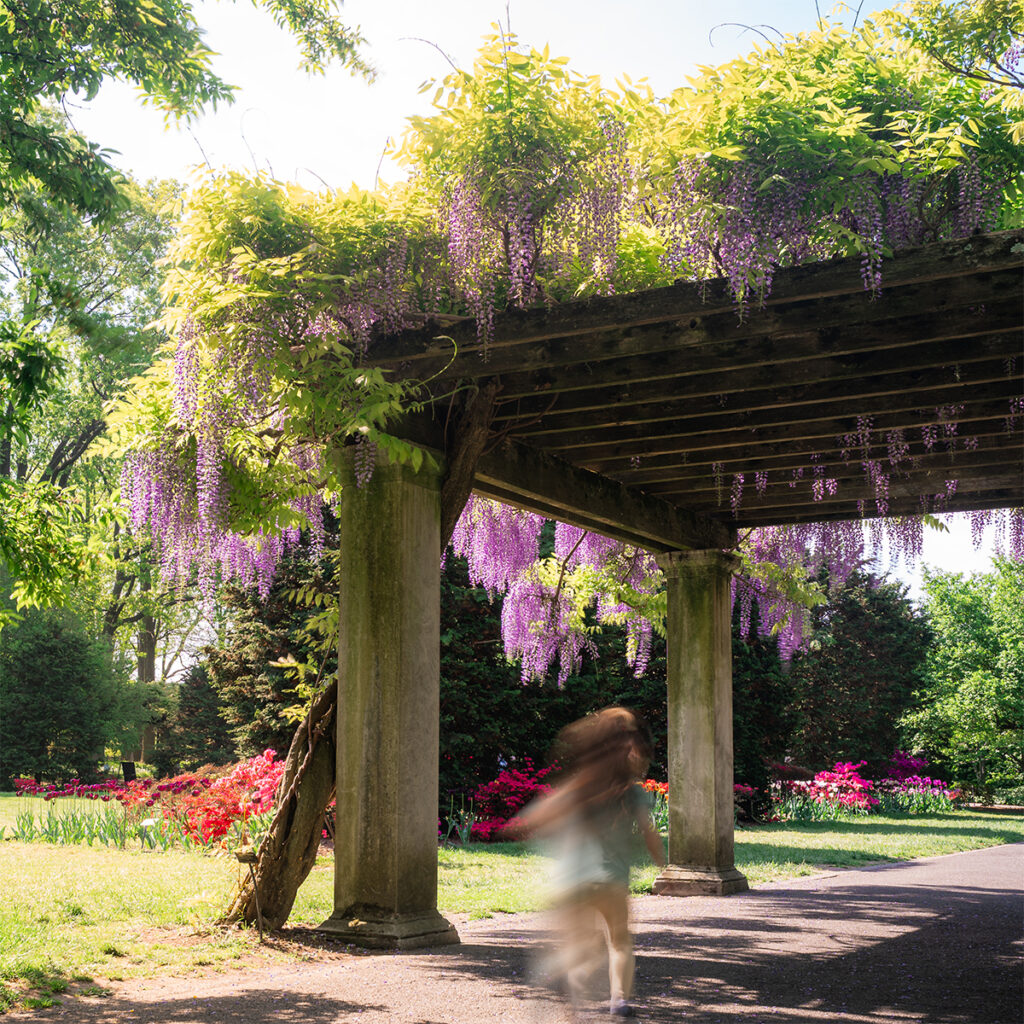
Shutter speed affects how motion appears in both photos and videos. Here’s the breakdown:
- Fast shutter speed (e.g., 1/1000 sec) freezes motion. Ideal for action, sports, wildlife, and concerts.
- Slow shutter effect (e.g., 1/20 sec or slower) blurs motion. Perfect for light trails and busy city streets.
In video, shutter speed works hand-in-hand with frame rate. A common rule is the 180-degree shutter rule: set your shutter speed to double your frame rate. So if you’re shooting at 30 fps, your shutter speed should be 1/60 sec for natural-looking motion blur.
However, when you break that rule and shoot at slower shutter speeds, like 1/4 sec, you get a smeary, stylized look. This is where slow shutter effect can transform your footage, especially when people, automobiles, or lights move through the frame. If you’re shooting in daylight, you’ll need an ND filter to prevent overexposure, since a lower shutter speed lets in more light.
How to Use the Slow Shutter Effect in Photography
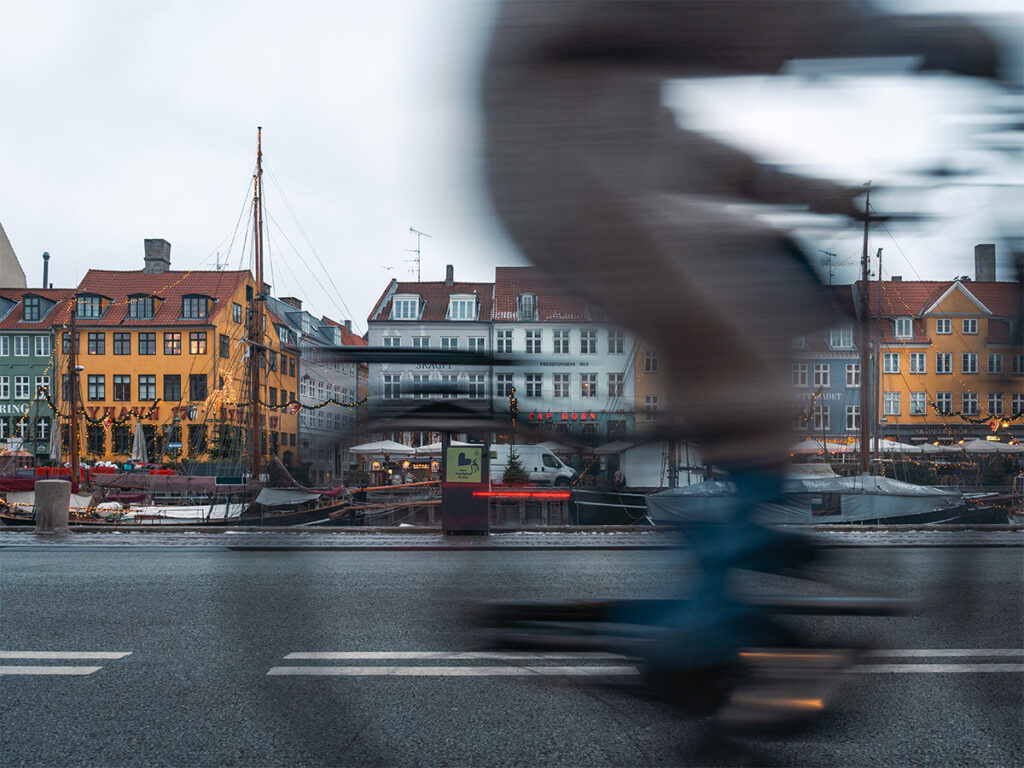
If you want to create motion blur intentionally in photos, here’s how to do it.
Recommended Settings for the Slow Shutter Effect in Photos:
- Shutter speed: start at 1/20 sec or slower
- Aperture: Start f/8
- ISO: 100 or your camera’s native ISO
- Use a tripod for best results
- If handheld, rely on in-body stabilization or brace yourself
When you’re intentionally adding motion blur, you can push beyond standard exposure rules.
How to Use the Slow Shutter Effect in Video
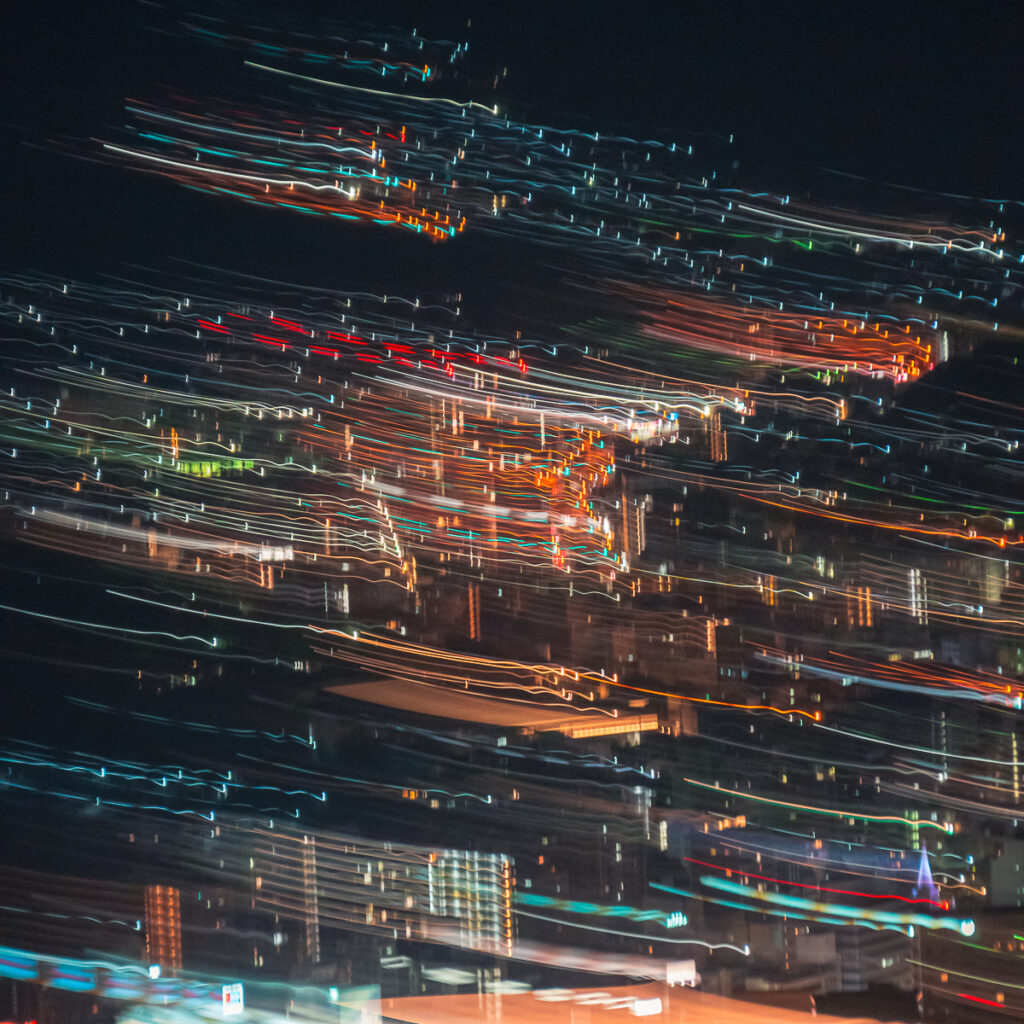
In video, it isn’t about freezing time; it’s about warping it.
To Create the Slow Shutter Effect in Video:
- Break the 180-degree rule
- Lower your shutter speed to 1/4 or 1/8 sec
- Shoot at 24 or 30 fps for best results
This technique adds a surreal, dreamy motion trail to subjects in motion. Use this when you want to convey energy, chaos, or movement beyond realism.

When and Why to Use the Slow Shutter Effect
- Your scene feels too static or sterile
- You want to tell a story about movement
- You can’t avoid people in your shot, and want to include them instead
Common use cases:
- Street photography
- Dancing
- Nightlife
- Light trails
It’s time to stop trying to erase the chaos and start using it to your advantage!

Don’t Just Capture a Moment, Capture Movement
If you’re like me and don’t have the patience or energy to wake up a 5 am to get “the shot”, you stop trying to freeze everything. This in-camera technique allows you to produce images that feel alive. Even though I’ve been a creative for years now, I don’t see myself as an artist. That being said, since I started slowing the shutter down to document a scene, I see more of my captures as art now. So next time your scene feels messy or out of control, employ the slow shutter effect. You’ll start seeing motion and your photography differently. I certainly did!
Comments +